
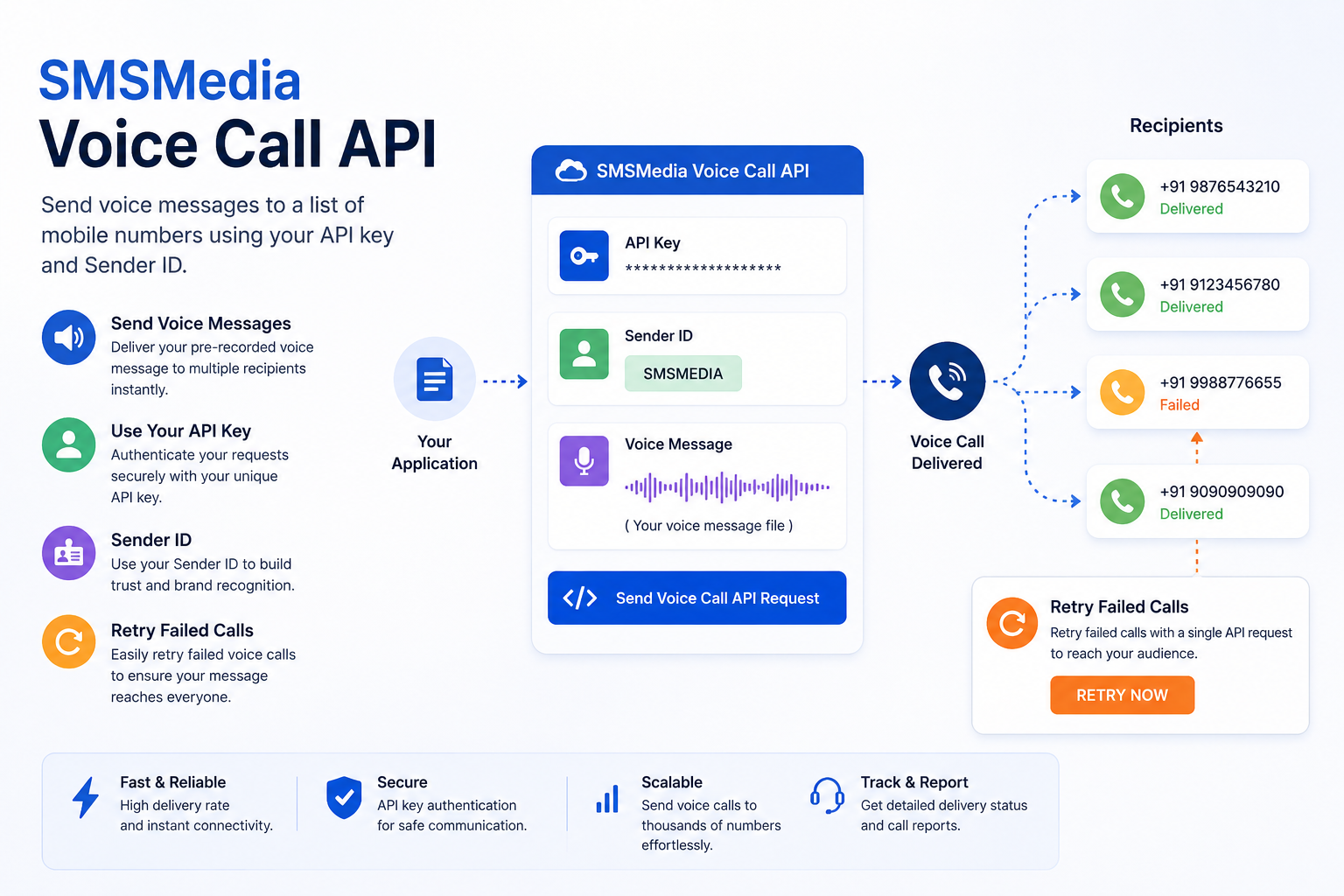
Introduction:
The SMSMedia Voice Call API allows users to send voice messages to a list of mobile numbers using their API key and sender ID. It also provides the ability to retry sending the voice message and collect DTMF (Dual Tone Multi-Frequency) input from the recipient.
Here you can send text as voice too.
API endpoint:
https://smsmediaapi.hellopatna.com/api/voice/send-voice-api
Request parameters:
apikey (required): The API key provided by SMSMedia.
senderid (required): The sender ID for the message. It should be an 10 digit mobile number.
mobiles (required): Comma-separated list of mobile numbers to which the voice message will be sent.
voiceurl (required): The URL of the voice message file. The file should be in WAV format.
voicetext (required): The text of the voice message. It will be converted to voice automatically and then deliver.
noOfRetry (optional): The number of times to retry sending the voice message if it fails. The maximum value is 3.
intervalForRetry (required) : Pause in interval for retry in minutes.
collectdtmf (optional): If set to true, the API will collect DTMF input from the recipient after playing the voice message.
collectdtmfpauseinsec (optional): The pause in seconds before collecting DTMF input from the recipient. The default value is 1 second.
Serviced (required) : You will get it from the profile section.
Note : voicetext or voiceurl any of one is required
HTTP Method: GET
Response:
The API will return a JSON object with the following fields:
status: The status of the API request. It will be "Success" if the API request is successful.
message: A message corresponding to the status. For example, "Message sent successfully" if the API request is successful.
data: A JSON object containing the following fields:
messageId: The ID of the voice message sent.
Example request:
https://smsmediaapi.hellopatna.com/api/voice/send-voice-api?apikey=sdas2344sd2zx&senderid=9876543210
&mobiles=9876543210&noOfRetry=0&intervalForRetry=0&serviceid=7&collectdtmf=false
&collectdtmfpauseinsec=0&voicetext=text content of the message
Example response:
{
"messageId": "0987654321-1"
}
Note:
· The mobile numbers should be in the Indian format without the leading "+91" sign, e.g., 9876543210 for an Indian mobile number.
· The maximum number of mobile numbers that can be included in a single API request is 400.
For more visit www.smsmedia.in or call +91 9304815125