
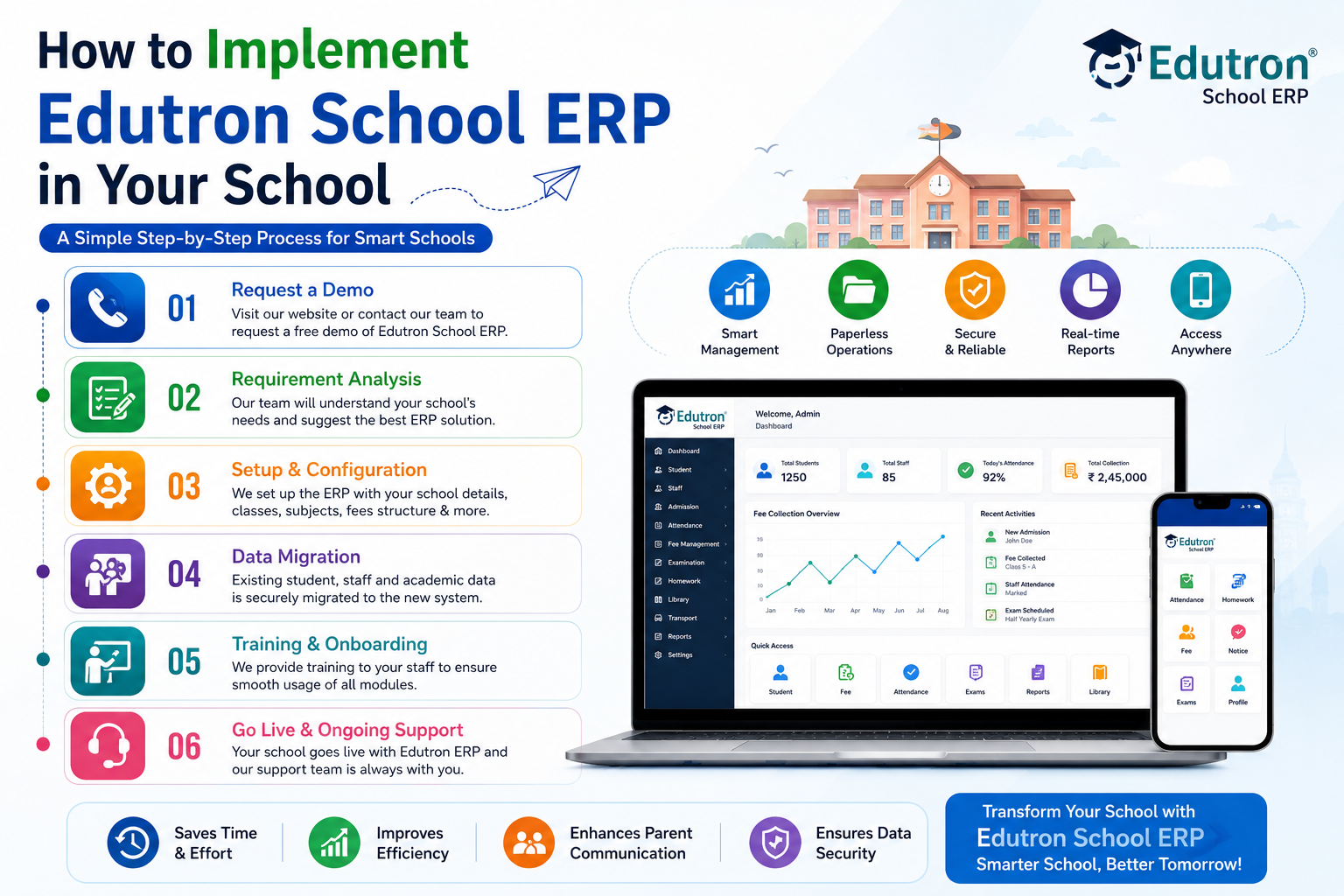
As schools continue to embrace technology, the use of school management software has become essential. Edutron School ERP is one such software that can help automate and streamline school operations. Here's a step-by-step guide on how to implement Edutron School ERP in your school.
Step 1: Conduct a Needs Assessment Before implementing any school management software, it's essential to assess your school's needs. Determine which areas of school management require automation and identify the features you need in your software. For instance, you may require features like attendance management, fee management, timetable scheduling, library management, or online assessments. With a clear understanding of your needs, you can select the right Edutron School ERP package that meets your requirements.
Step 2: Purchase the Software and Get Training Once you have identified the features you need, it's time to purchase the Edutron School ERP software. You can contact the vendor or visit the official website to buy the software. After purchasing, request training for your staff. Training ensures that your staff understands how to use the software effectively.
Step 3: Customize the Software Edutron School ERP is a customizable software, which means you can modify the features to suit your school's unique needs. The vendor will provide you with an administrator account that allows you to customize the software. You can modify the dashboard, add or remove features, and configure the software to suit your school's needs.
Step 4: Data Migration and Integration Once you have customized the software, it's time to migrate your school's data from your old software or manual records. The vendor will guide you on how to migrate data to the new software. You also need to integrate the software with other systems in your school, such as biometric attendance machines or financial systems.
Step 5: Test the Software Before you go live with the software, test it to ensure that everything is working correctly. You can test the software by running sample transactions, such as fee collection, attendance marking, or generating reports.
Step 6: Launch the Software After testing, it's time to launch the software. Announce to the staff, parents, and students about the new software and provide training on how to use it. Make sure that everyone understands how to access the software and use its features.
Step 7: Provide Support and Maintenance After launching the software, provide support and maintenance to ensure that it's running smoothly. You can contact the vendor for any technical support or maintenance services.
In conclusion, implementing Edutron School ERP can help your school automate and streamline its operations, saving you time and resources. By following these steps, you can successfully implement the software and enjoy its benefits.