
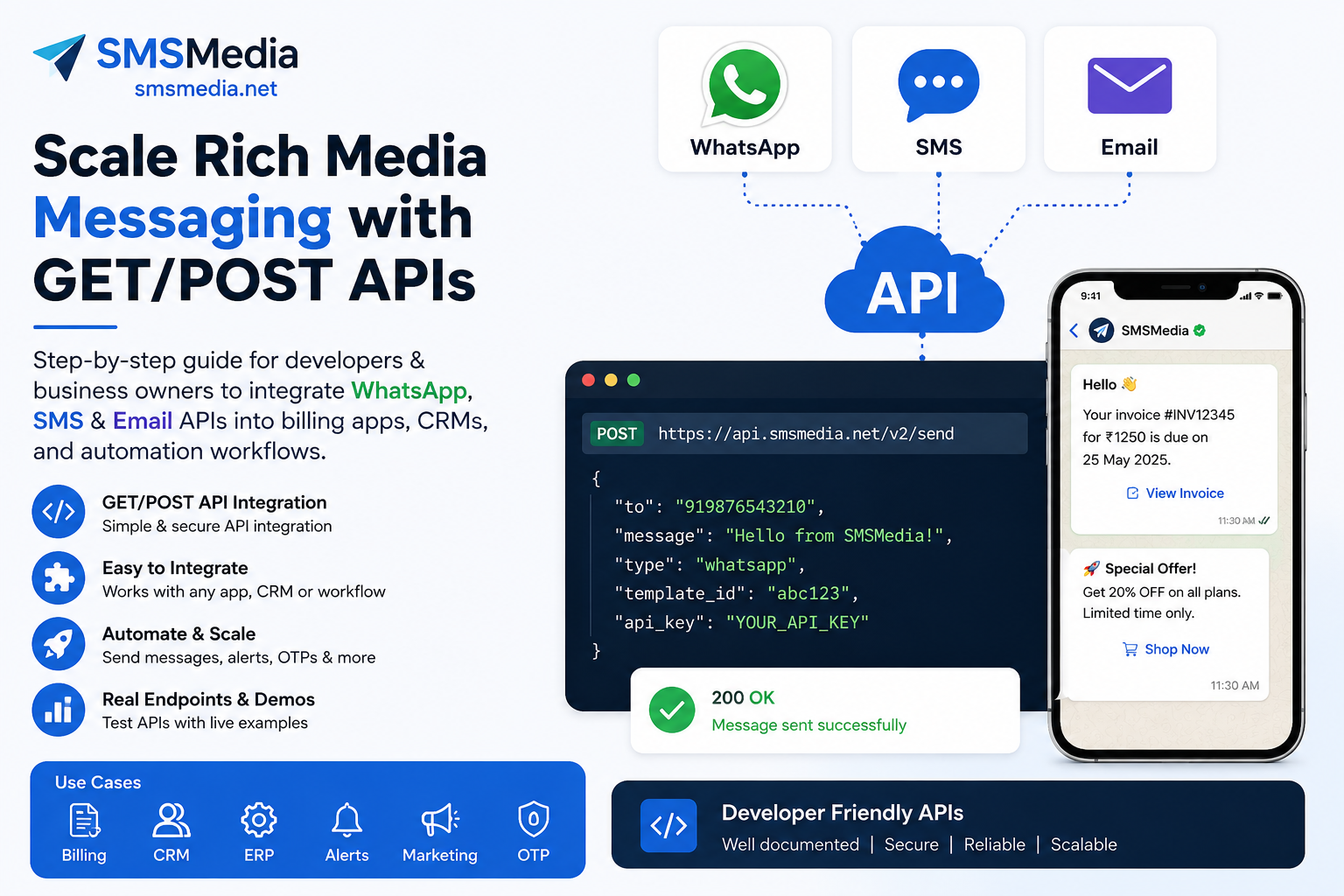
📡 GET / POST API Strategy: Scale Rich Media Messaging for Business Growth
Unlock the full power of WhatsApp, SMS & Email APIs — integrate seamlessly into billing apps, CRMs, and automation workflows.
Rich media messaging (images, documents, interactive templates) has become the backbone of customer engagement. But how do you integrate, scale, and ensure reliability? Whether you're a developer wiring APIs into a billing system or a business owner looking to automate notifications at scale, understanding GET vs POST API methods is non-negotiable.
In this guide, we explore SMSMedia’s unified communication APIs – WhatsApp Cloud API, SMS API, and Email API – and show you how to leverage GET/POST principles for high-volume, rich media interactions. Plus, we share ready-to-use integration examples for CRMs and billing apps.
📞 Live Demo & Support: +91 7870606162 (WhatsApp/Call) – test the API in real-time.
📊 Why GET/POST Matters for Business Scaling
🏢 Business Owner Perspective
✔️ Reliability: GET endpoints are simple for sending notifications (e.g., order confirmations).
✔️ POST method readiness: For uploading media, secure JSON payloads – reduces URL length limits.
✔️ Rich media ROI: WhatsApp messages with product images, PDF invoices drive 3x higher engagement.
✔️ Scalability: asynchronous queue design + webhooks prevent message bottlenecks.
✔️ CRM/Billing integration: Dynamically personalize template variables (customer name, amount due).
👨💻 Developer Deep Dive
🔧 GET requests: Ideal for lightweight, idempotent message triggers – parameters in URL.
⚙️ POST requests: Secure payloads, JSON body, larger media references, header authentication.
🔁 Webhooks & status: Receive delivery events via POST callbacks to your server.
🧪 Error handling: Retry logic, rate limiting, HTTP status codes (200, 4xx, 5xx).
📦 mediaId pattern: Upload media once (POST) → use GET for template messages referencing mediaId.
⚡ SMSMedia API Ecosystem – GET-based core endpoints with POST extension
SMSMedia provides production-ready APIs for WhatsApp, SMS, and email. All endpoints accept GET requests for simplicity, but they are also POST‑compatible (JSON) for advanced use cases. Below are the raw endpoints used by thousands of businesses in billing, CRM, and marketing platforms.
📱 WhatsApp Cloud API (Rich Media Ready)
https://smsmediaapi.patronservices.in/api/whatsapp-cloud-api/send-message-api?apikey={{apikey}}&mobile={mobile}&templatename={templateName}&mediatype=none&mediaid&serviceid=18¶m1=1¶m2=2¶m3=3¶m4=4
Parameters explained: apikey (API credential), mobile (recipient), templatename (approved template), mediatype (image/video/document/none), mediaid (media file ID), param1..param4 → dynamic template placeholders (e.g., order id, name, due date). To scale rich media, you first upload media via a separate POST endpoint (contact SMSMedia for media upload) and then reference mediaid.
💬 SMS API – High throughput
https://smsmediaapi.patronservices.in/api/sms/send-sms-api?apikey={{apikey}}&senderid={{senderid}}&mobile={{mobile}}&smstext={{smstext}}&nonenglish=false&flash=false&serviceid=6&peid={{peid}}&templateid={{templateid}}
📧 Email API – Reliable transactional mail
https://smsmediaapi.patronservices.in/api/email/send-email-api?apikey={{apikey}}&emailids=recipient@example.com&emailbody=Hello&emailsubject=Greetings&serviceid=10
🛠️ Integration Blueprint: Developers’ Cookbook
✔️ Sending a WhatsApp template using GET (cURL / JavaScript)
# cURL Example — WhatsApp payment reminder in billing app
curl -X GET "https://smsmediaapi.patronservices.in/api/whatsapp-cloud-api/send-message-api?apikey=YOUR_API_KEY&mobile=918800001234&templatename=invoice_due&mediatype=none&serviceid=18¶m1=John%20Doe¶m2=INV-1001¶m3=2025-04-15¶m4=250.00"
// JavaScript (Fetch API) for CRM trigger
const url = `https://smsmediaapi.patronservices.in/api/whatsapp-cloud-api/send-message-api?apikey=${apiKey}&mobile=${mobile}&templatename=welcome_media&mediatype=image&mediaid=MEDIA_XYZ123&serviceid=18¶m1=Lead¶m2=SpecialOffer`;
fetch(url)
.then(res => res.json())
.then(data => console.log('WhatsApp sent:', data));🔁 Using POST method for media upload + rich message
// POST: Upload media (image/doc) to SMSMedia media server
// (example endpoint - actual URL from SMSMedia docs)
fetch('https://smsmediaapi.patronservices.in/api/media/upload', {
  method: 'POST',
  headers: { 'apikey': 'YOUR_API_KEY', 'Content-Type': 'application/json' },
  body: JSON.stringify({
    mediaType: 'image',
    mediaUrl: 'https://your-cdn.com/invoice.pdf',
    caption: 'Your invoice is attached'
  })
}).then(r => r.json()).then(res => {
  const mediaId = res.mediaId;
  // Then use GET WhatsApp API with mediaId parameter for rich message
  sendWhatsAppWithMedia(mediaId);
});
⚙️ Scaling Architecture: For high-volume use (10k+ messages/min), implement message queuing (RabbitMQ, SQS) and retry with exponential backoff. Use webhooks to receive message statuses – ideal for billing apps to reconcile payment reminders.
🏆 Real-World Implementation: Billing Applications & CRM
Integrate SMSMedia APIs directly into your invoicing software or customer relationship platform. Here's how business owners and devs collaborate to maximize ROI:
| Use Case | API(s) Used | Rich Media Benefit |
|---|---|---|
| 📄 Invoice generation & due reminders | WhatsApp API + SMS API | Send PDF invoice as media attachment + payment link |
| 🔔 OTP/Two-factor authentication | SMS API (flash/non-flash) | Fast delivery, 99.9% uptime |
| 🛍️ E-com abandoned cart recovery | WhatsApp image template + Email API | Product images, discount coupons, dynamic params |
| 📆 CRM appointment reminders | WhatsApp with video/doc | Clinic/hotel location maps, pre-visit instructions |
| 📊 Bulk promotional campaigns | Email API + WhatsApp | Rich HTML newsletters and interactive buttons |
📱 Try live demo, request API keys & test WhatsApp template sending now.
📌 GET vs POST: Choosing the right method for each messaging task
| Feature | GET Request | POST Request |
|---|---|---|
| Parameter location | URL query string | Request body (JSON/Form) |
| Security (apikey) | Visible in URL logs, less secure | Headers + body, recommended for sensitive keys |
| Data size limit | ~2KB (URL limit) | Large, perfect for media uploads |
| Idempotency | Idempotent (safe) | Not always idempotent but can be designed |
| Use in SMSMedia eco | Simple message trigger, template messages | Media upload, webhook callbacks, JSON batch |
| Rich media scalability | Use mediaId (already uploaded) | Ideal for inline media as base64 or URL |
✅ Strategy for scale: Use GET for high-volume transactional messages where media is pre-uploaded (mediaId). Use POST for on-the-fly media attachments & to keep API keys hidden from logs.
📈 SEO & Business Growth Strategy with Rich APIs
Leveraging GET/POST APIs isn't just technical – it's a growth engine. Here’s how to align messaging with your SEO strategy and customer retention:
- Automated review collection: Send WhatsApp messages after delivery with a link to Google Reviews – increase local SEO signals.
- Personalized re-engagement: CRM + dynamic param1/2/3 to include customer’s name and recent order → higher CTR.
- Rich snippets enablement: Share order tracking links via SMS/WhatsApp. Better engagement → improved brand authority.
- Webhook data for analytics: Capture delivery logs → optimize send times & templates, reduce churn.
🚦Step-by-Step: Your first rich message in 10 mins
For Business Owners:
1. Register at SMSMedia.net and request WhatsApp Business API access.
2. Get your API key, approved message template (e.g., order_confirmation).
3. Share the GET endpoint with your developer or use built-in CRM plugins.
4. Test using demo number +917870606162 – see real-time delivery.
For Developers:
1. Store API keys securely (environment variables).
2. Use GET method for sending template-based messages, replace {{apikey}}, {{mobile}}.
3. Implement POST webhook receiver to handle message statuses & errors.
4. Integrate with billing application: on invoice creation → call WhatsApp API with param1=invoice amount, param2=due_date.
5. Scale: add asynchronous task queues and monitoring dashboards.
# Python integration example for CRM (GET request)
import requests

def send_whatsapp_billing(customer_mobile, name, invoice_id):
    url = "https://smsmediaapi.patronservices.in/api/whatsapp-cloud-api/send-message-api"
    params = {
        "apikey": "YOUR_API_KEY",
        "mobile": customer_mobile,
        "templatename": "billing_reminder",
        "mediatype": "document",
        "mediaid": "doc_invoice_123",
        "serviceid": 18,
        "param1": name,
        "param2": invoice_id,
        "param3": "https://yourbilling.com/pay",
        "param4": "Due in 3 days"
    }
    response = requests.get(url, params=params)
    return response.json()
⚡ Scaling to 1M+ messages: Webhooks & Asynchronous patterns
For high-volume campaigns, use message queuing + webhooks. When you trigger a GET/POST request, SMSMedia returns a unique message ID. Implement a webhook endpoint (POST) on your server to receive delivery reports, read receipts, and failures. This non-blocking architecture ensures your CRM/billing app remains responsive even during peak loads.
// Example webhook endpoint (your server) to listen status updates from SMSMedia
app.post('/api/whatsapp-status', (req, res) => {
  const { messageId, status, errorCode } = req.body;
  // update your database, mark as delivered/failed
  console.log(`Message ${messageId} status: ${status}`);
  res.sendStatus(200);
});
🚀 Unlock enterprise-grade rich media messaging today
Seamless integration, dedicated support, and scalable APIs trusted by 2000+ businesses.
Visit SMSMedia.net for full documentation & pricing.