
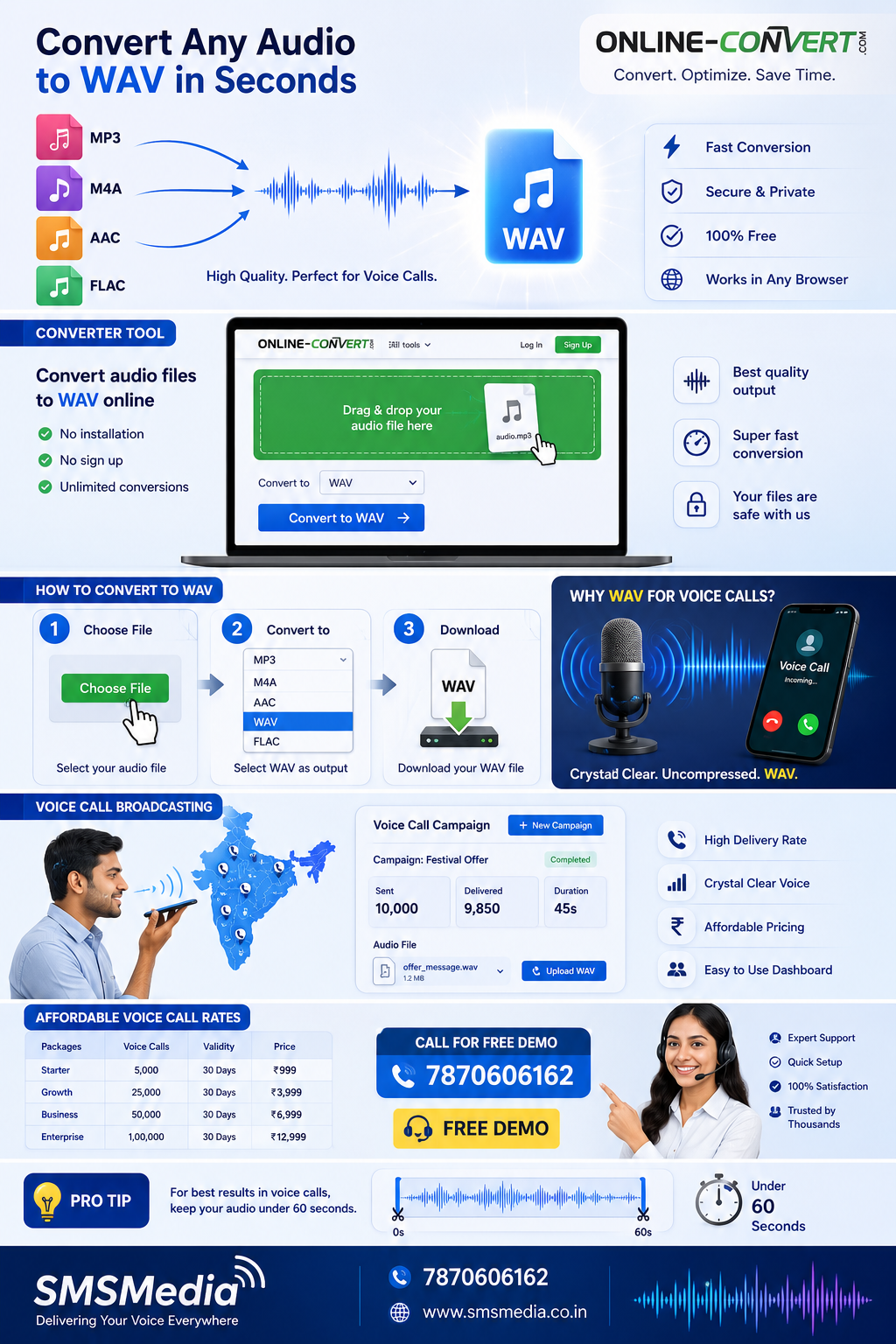
Convert Any Audio File to WAV Format
The essential step for crystal-clear prerecorded voice calls. Free online converter, then send via SMSMedia.
Need to send a prerecorded voice message to hundreds or thousands of customers? Whether it's a promotional offer, payment reminder, or festive greeting — you first need your audio in the right format. WAV files are the industry standard for voice call broadcasting because of their uncompressed, high-quality audio.
But what if your recording is in MP3, M4A, AAC, FLAC, or even a video file? That's where a reliable audio-to-WAV converter comes in. We recommend the free, easy-to-use online tool below — no software installation required.
Free Online Audio to WAV Converter
Upload any audio file and convert it to WAV format in seconds.
audio.online-convert.com/convert-to-wavSupports MP3, M4A, AAC, FLAC, OGG, WMA, and more.
How to Convert Your Audio to WAV
Upload Your File
Click "Choose File" and select your audio recording from any device.
Select WAV Format
Ensure output is set to .wav. Adjust quality if needed.
Convert & Download
Hit "Convert" and download your crisp WAV file ready for broadcasting.
Why WAV for Prerecorded Voice Calls?
When you send bulk voice calls through a platform like SMSMedia, the audio clarity directly impacts how your message is received. WAV files are:
- Uncompressed – No loss in audio quality, your voice sounds natural and professional.
- Universally compatible – Accepted by virtually all voice broadcasting systems.
- Reliable – Less prone to codec errors during telephony playback.
Once your WAV file is ready, you can upload it directly to the SMSMedia voice call panel and launch your campaign instantly.
Send Your WAV File as a Voice Call
SMSMedia offers a robust voice call broadcasting service that lets you upload your WAV file and deliver it to thousands of numbers in one go. Perfect for:
- Promotional offers – Announce sales, new product launches.
- Payment reminders – Automated courtesy calls for due invoices.
- Event invitations – Personal touch without manual dialing.
- Festival greetings – Build customer relationships at scale.
Ready to Broadcast Your Message?
Convert your audio to WAV, then launch your voice campaign with SMSMedia. Call for a free demo and expert guidance.
7870606162 (Tap to call)Visit smsmedia.net for complete voice solutions
Pro Tip: Keep your WAV file duration under 60 seconds for the best delivery rates and listener engagement. The converter linked above also lets you trim audio if needed.
Convert any audio to WAV. Broadcast crystal-clear voice calls. Grow with SMSMedia.